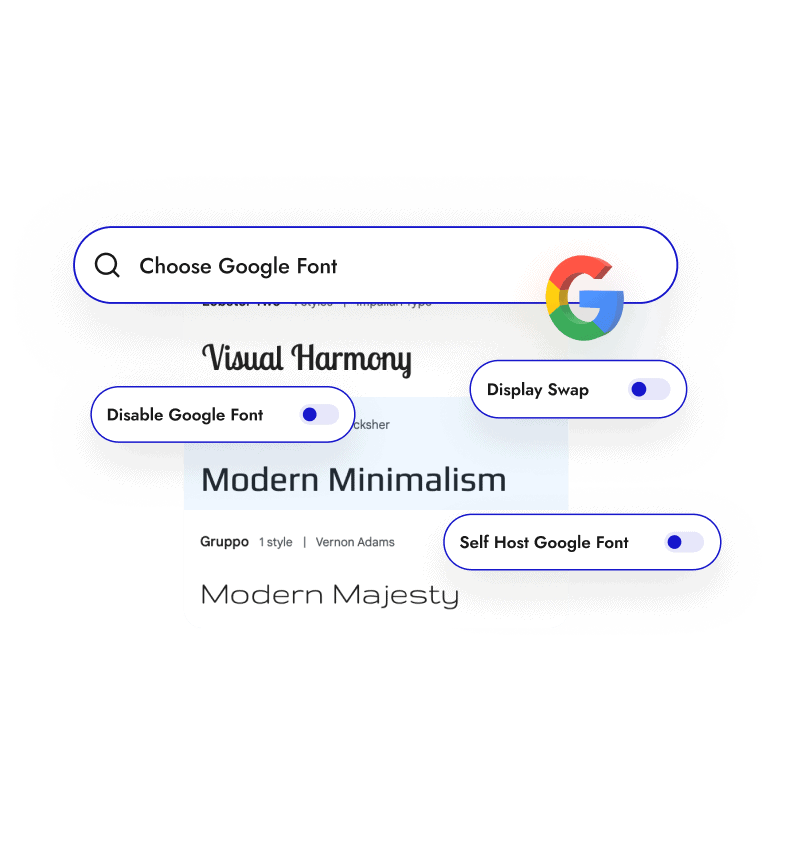
Why Should You Self-Host Google Fonts in WordPress?
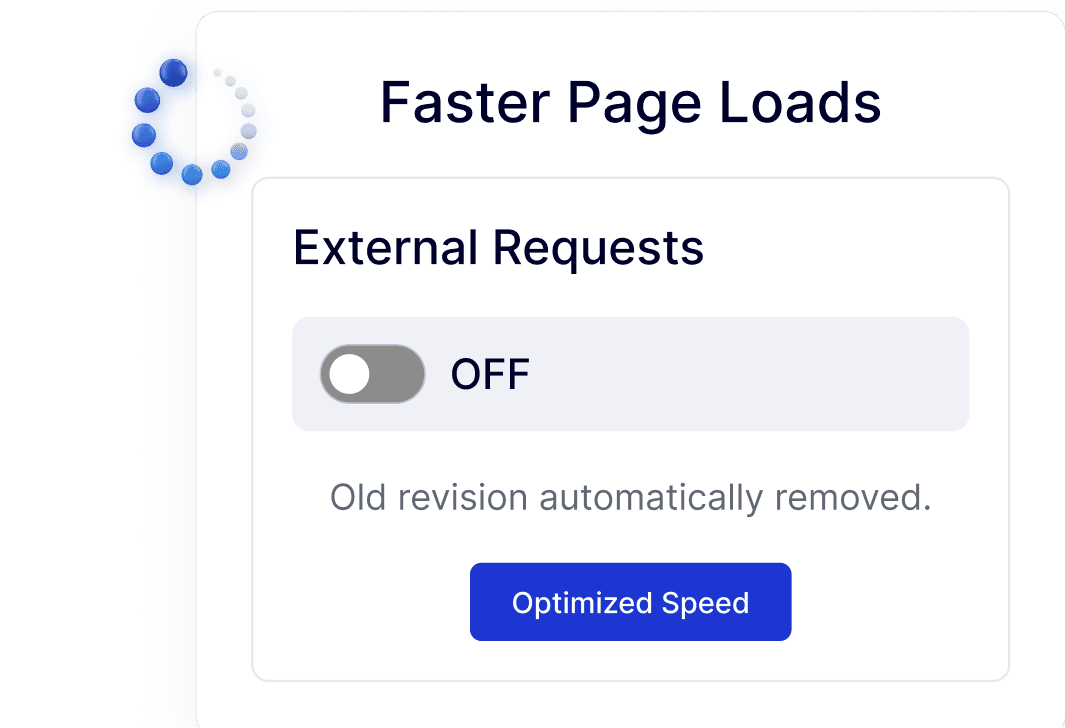
Faster Page Loads without External Font Requests
Serving Google Fonts locally removes calls to Google’s CDN, reducing external requests and helping pages load faster and more consistently.
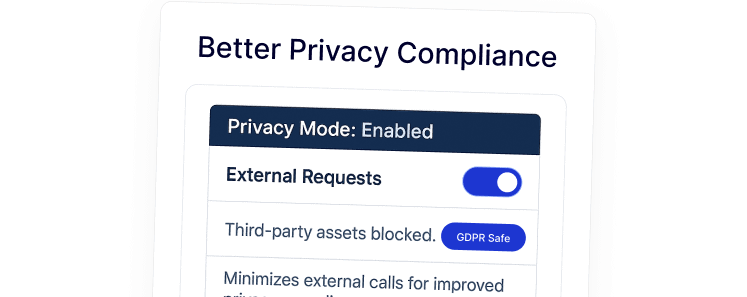
Better Privacy Compliance without Google Font Tracking
Self-hosting Google Fonts avoids sharing visitor IPs with Google, making it easier to meet GDPR and local privacy requirements.
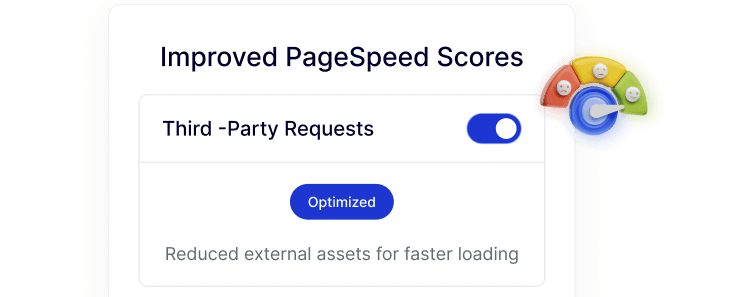
Improved PageSpeed Scores with Local Font Hosting
Fewer third-party requests mean cleaner PageSpeed and Core Web Vitals reports, especially on mobile and shared hosting environments.
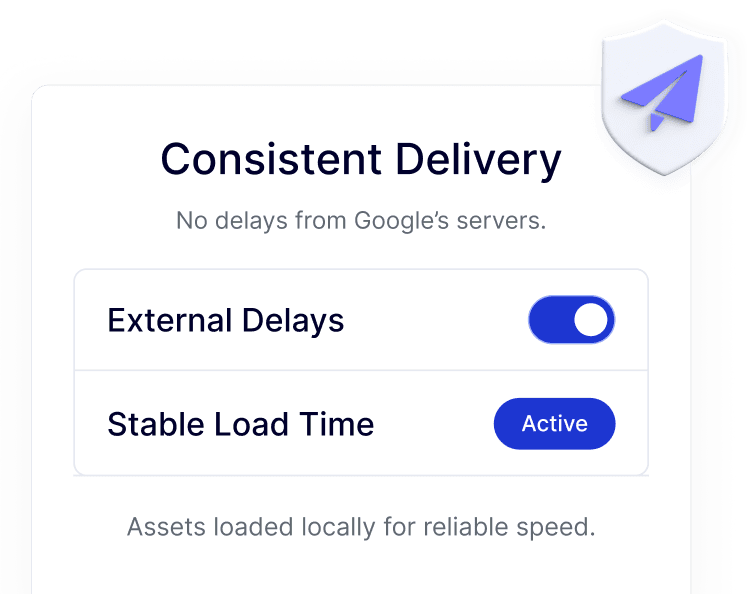
Consistent Font Delivery without Google CDN Delays
Fonts load directly from your server, avoiding slowdowns or blocks caused by regional Google CDN issues or ad blockers.
Simple Setup without Installing Another Plugin
Enable self-hosted Google Fonts inside Nexter in a few clicks, avoiding extra font or performance plugins to manage.